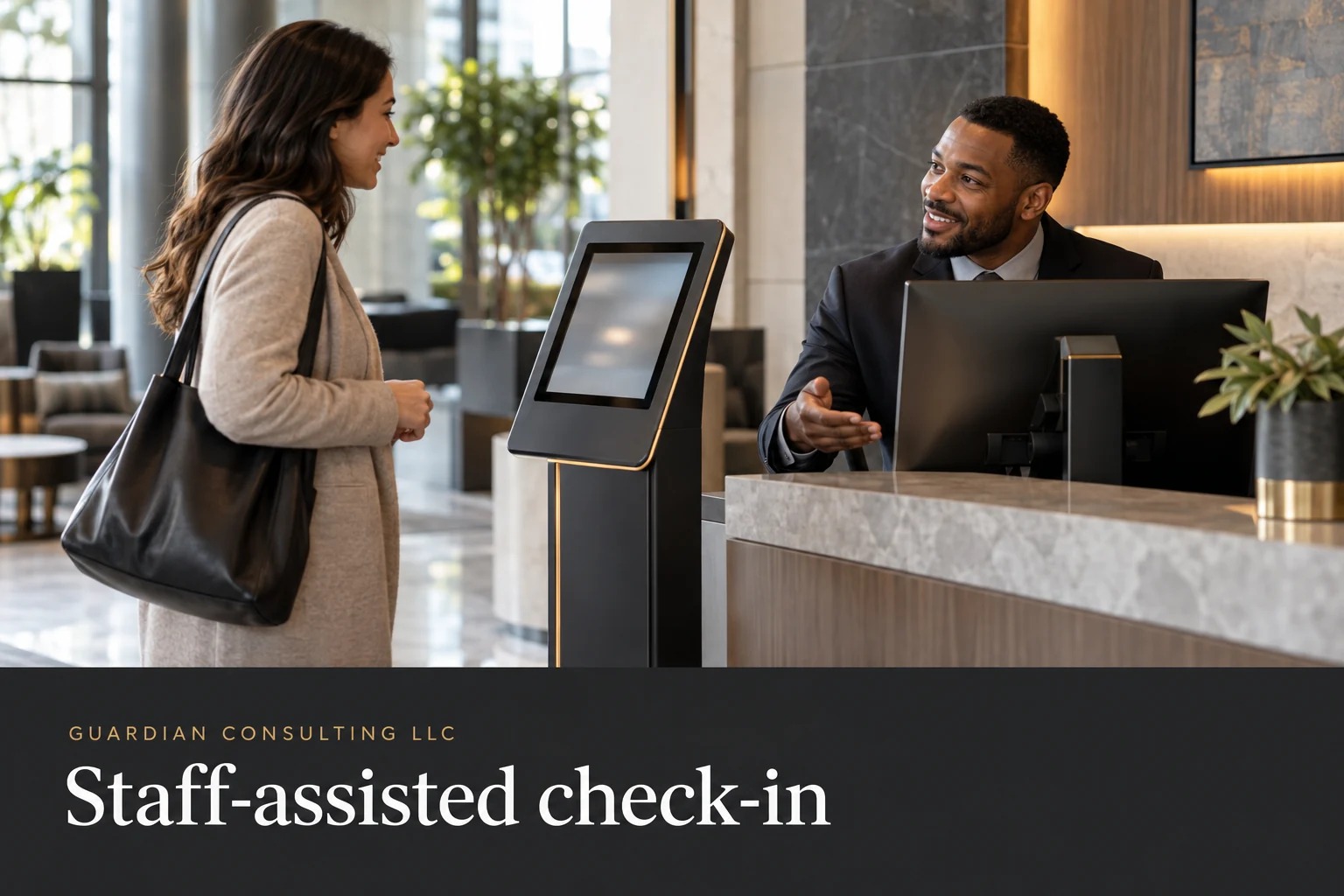
The appointment is valid, the host is expecting the visitor, and the check-in screen is the obstacle. At that moment, the desk needs an approved way to finish the arrival. Asking the person to keep trying the same interface is not a process.
This worksheet supports the accessible lobby security playbook. It addresses routine check-in, not a legal accessibility audit or an emergency procedure. Property management should review the proposed alternative against its obligations, security requirements, and privacy rules before staff use it.
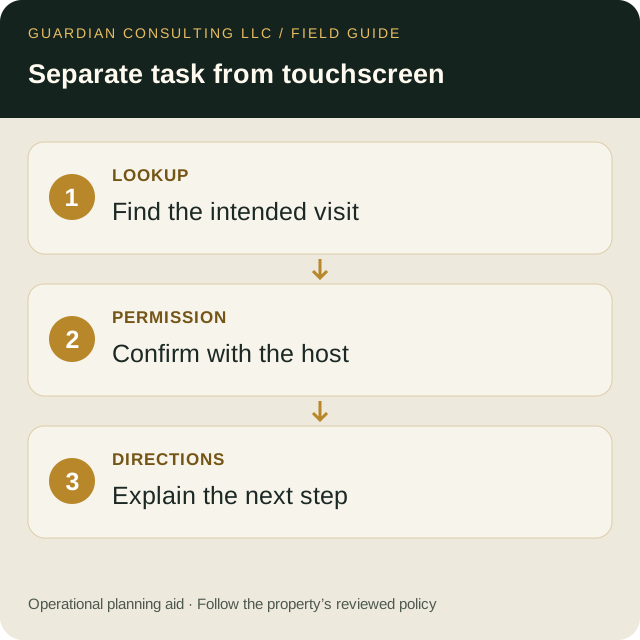
- Separate appointment lookup, host permission, and directions.
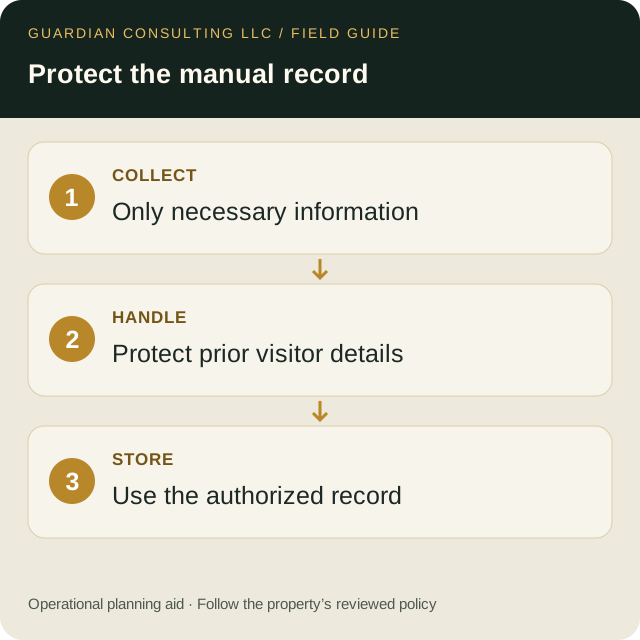
- Document where the manual record belongs.
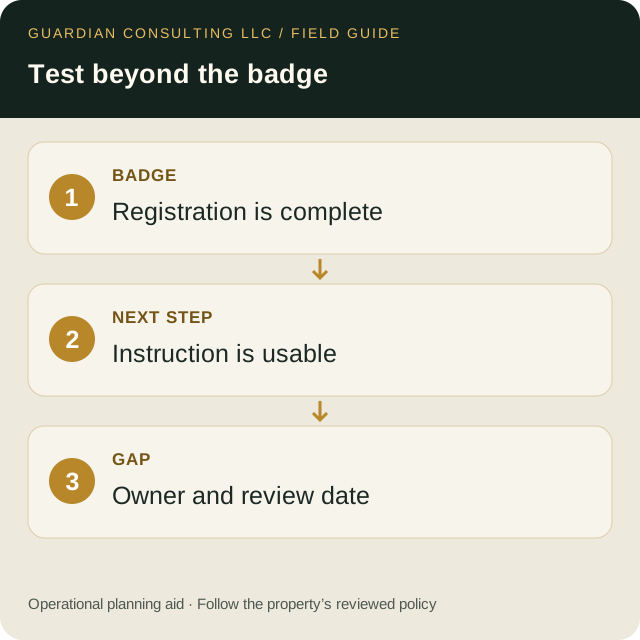
- Test the next instruction after registration is complete.
Identify the actual task behind each screen
Create a two-column map: what the screen asks the visitor to do, and why the property needs that action. Separate appointment lookup, host confirmation, badge preparation, and directions. A touchscreen may combine them, but the alternative does not have to copy the interface.
For example, an approved staff-assisted process might let the visitor communicate the appointment details in a suitable way while the employee performs the authorized lookup. It should still obtain required host permission. Do not let the convenience of a manual process become permission to waive a security decision that staff are not authorized to waive.
Write the fallback as a short sequence
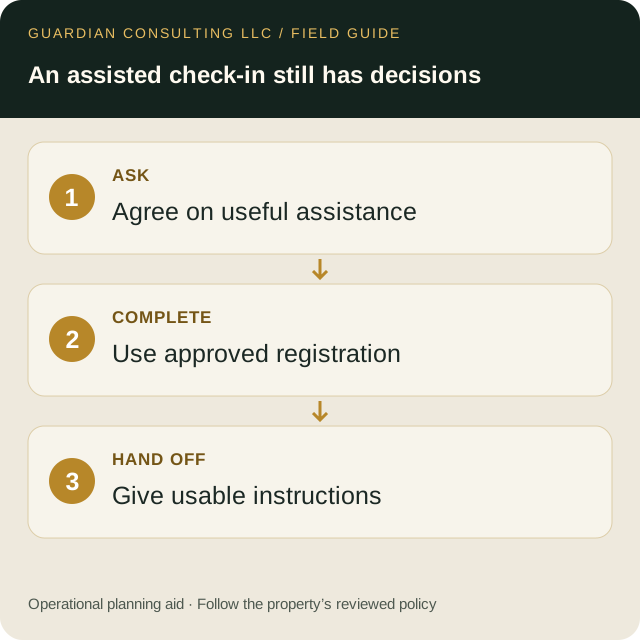
- Ask what assistance would make the check-in step workable.
- Explain the approved alternative and the information necessary for it.
- Complete the authorized registration and host-verification steps.
- Provide the visitor with usable badge and route instructions.
- Refer an unresolved obstacle to the named contact without abandoning the visitor's request.
The sequence is a proposed operations template. Adapt it to the property; it does not establish that any particular kiosk or alternative meets legal requirements. When communication is the obstacle, consult the separate desk communication guide.
Keep assistance separate from credential sharing
The employee should use the access assigned to their own role. Do not hand over a staff session, ask a visitor to disclose a password, or photograph a personal screen simply to get past a registration step. Determine in advance where any necessary manual record belongs, who can see it, and when it is reconciled or retained under the property's policy.
A paper form can create a second problem if it leaves earlier visitors' information visible. Evaluate the physical handling as well as the fields: where the form sits, how it is collected, and where completed records go. Use fictional data during a test.
Test the entire journey
An alternative is unfinished if it produces a badge but leaves the visitor unable to receive the next instruction. Include the handoff to the host or destination in the rehearsal. Test the evening shift as well as the daytime team, and include the possibility that the primary host contact does not answer.
| Test observation | Record |
|---|---|
| Point where the usual interface failed | Specific task, not a diagnosis |
| Alternative attempted | Approved procedure name |
| Authorization completed | Method and responsible role |
| Remaining obstacle | Concrete next action |
| Correction | Owner and review date |
Escalate patterns to the people who can fix them
Repeated staff assistance may reveal an interface or placement problem that deserves a vendor or facilities review. The desk should report the failed task without making technical promises about a fix. Management can then request an accessibility evaluation rather than treating the workaround as a permanent substitute for improving the system.
The U.S. Access Board accessibility guides provide a starting point for facilities review; the applicable requirements need qualified assessment. Use this article's worksheet as an operational test record, not a compliance certificate. Return to the main playbook to connect the result to post orders and shift handoffs.