
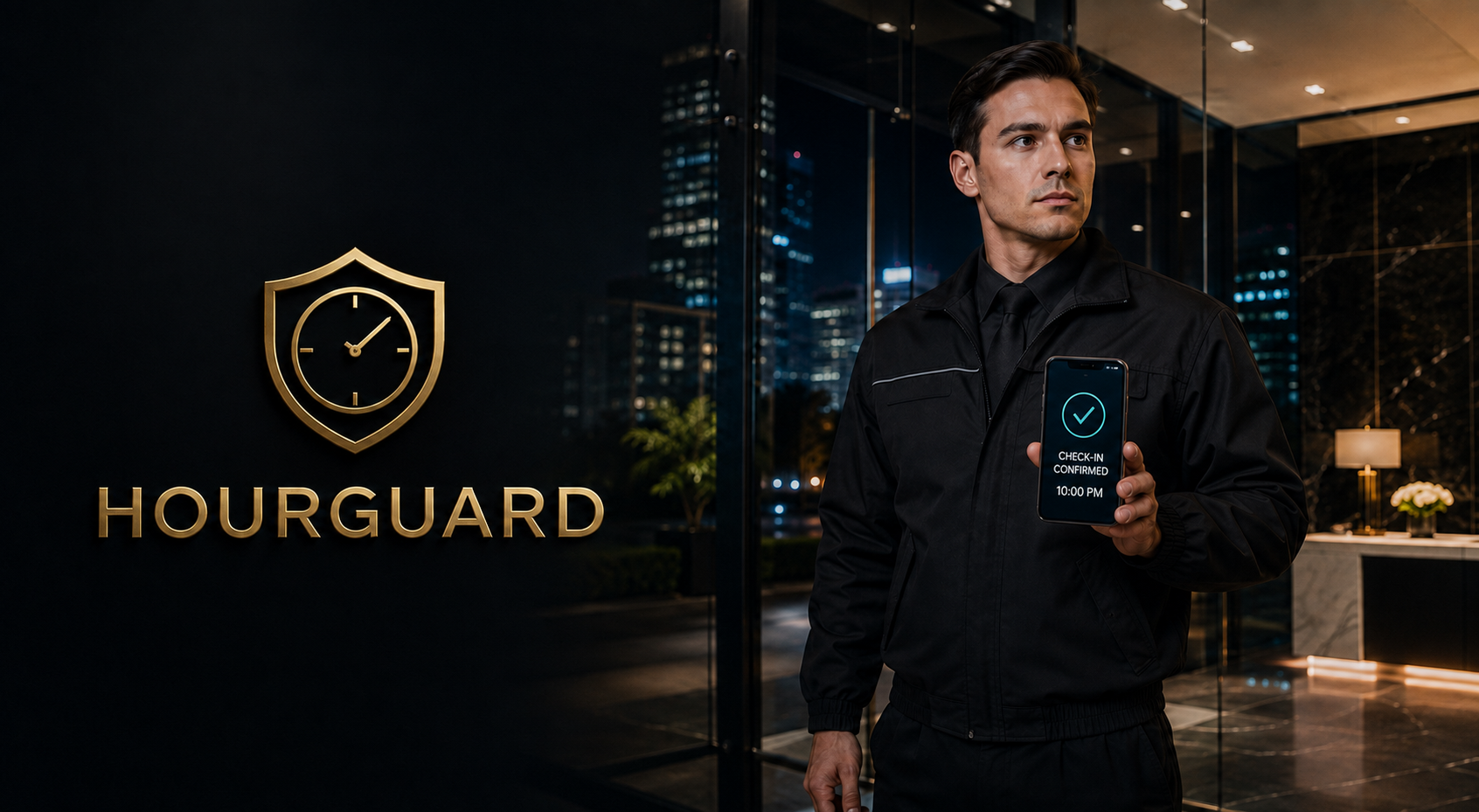
Add a recurring check-in to the shift
A roster records who is scheduled. HourGuard adds a recurring request for the assigned officer to respond during the shift. A completed check-in provides a time-based record of responsiveness; a missed response gives management a reason to follow up.
The program is particularly relevant to overnight and isolated assignments, where an officer may have fewer routine interactions with other staff. Check-ins should sit within a wider supervision and reporting plan, with someone responsible for reviewing missed responses.
How the check-in process works
- Establish the officer’s coverage hours and the required check-in interval.
- The officer receives a scheduled prompt and provides an active response.
- The response is recorded with its time for review.
- An unanswered check-in prompts the agreed management follow-up.

Set the follow-up before starting
- Who reviews check-in activity during each shift
- How long to wait before following up on a missed response
- How to contact the officer and site supervisor
- What to do if communication cannot be established
- How device or connectivity problems are documented
- Who receives recurring performance concerns

Where HourGuard can support coverage
The existing program is described for commercial and residential properties, hospitality locations, construction and fire-watch posts, and other low-traffic or single-officer assignments. Guardian can review how the check-in process fits the location’s staffing and communication needs.
Use HourGuard alongside post instructions, site visits, patrol verification, and incident reporting. Discuss it with Security Guard Services, Hotel Security, or Residential Security when planning the wider assignment.
Discuss your next step
Contact Guardian ISI to discuss guardian hourguard. Confirm the assignment, availability, and reporting arrangements before coverage begins.