
A photograph can document a damaged fixture or an obstructed route, but it can also capture a guest's passport, an apartment number, a medical situation or a screen full of visitor information. More images do not necessarily make a clearer incident record. The useful question is what each image needs to show and who is authorized to handle it.
This guide concerns routine property documentation within an approved role. It does not authorize photography in private spaces, medical photography, audio recording or access to personal devices. Do not delay emergency assistance to take pictures, enter an unsafe area for a better angle, move objects to improve a scene, or interfere with responders. Use the incident-record playbook for ownership and handoff.
Define the purpose before using the camera
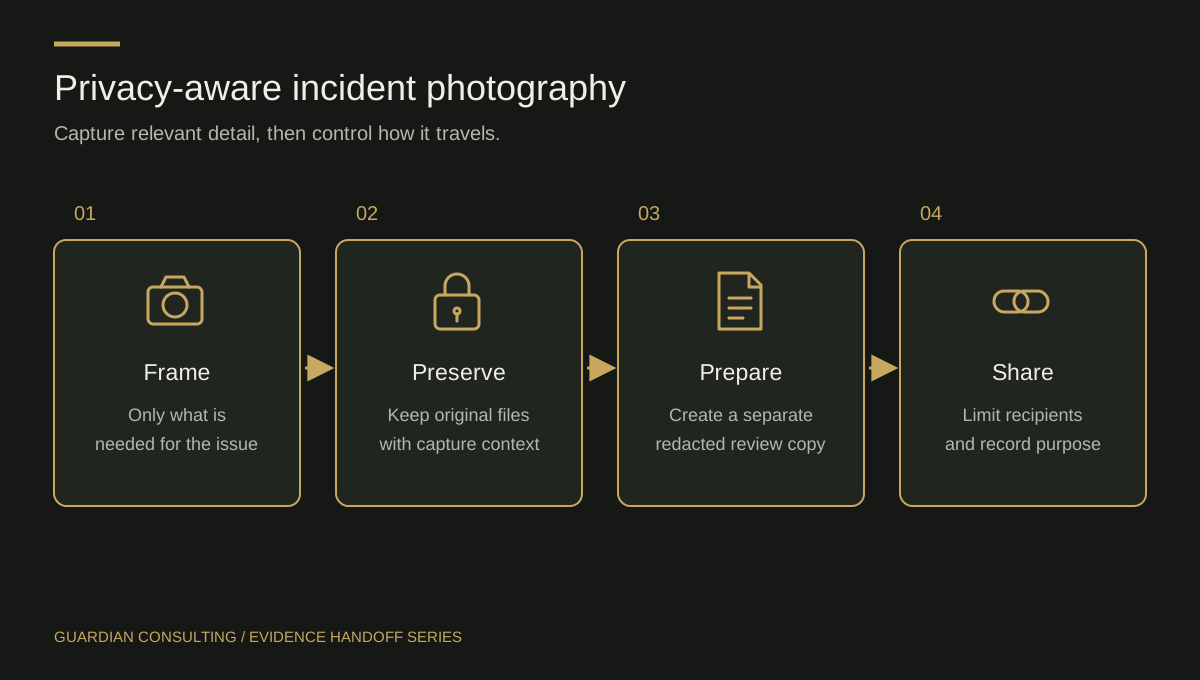
Name the condition being documented: a broken latch, a wet floor boundary, damaged furniture or a reported maintenance condition. Decide whether an image is necessary for that purpose. Sometimes a written location and a maintenance reference are enough.
Use only the device and application approved by the property or employer. A personal phone may automatically copy pictures to personal cloud storage or make them available to unrelated apps. Staff should know the approved alternative when the assigned device is unavailable, including whom to notify. A busy shift is not a reason to move incident images into a personal messaging account.
Capture context without staging the scene
When safe and authorized, an overview can show where a condition sits within the area; a closer view can document the particular feature. Do not suggest that a photograph proves what happened before it was taken. Describe what it depicts, the photographer and the capture time if known.
Before taking an image, check the frame for unnecessary private details. Reposition yourself where safe rather than moving incident objects. If necessary documentation cannot avoid sensitive information, seek the designated manager's handling instructions. Do not obstruct urgent responders or ask a distressed person to pose for a record.
Keep originals and working copies distinguishable
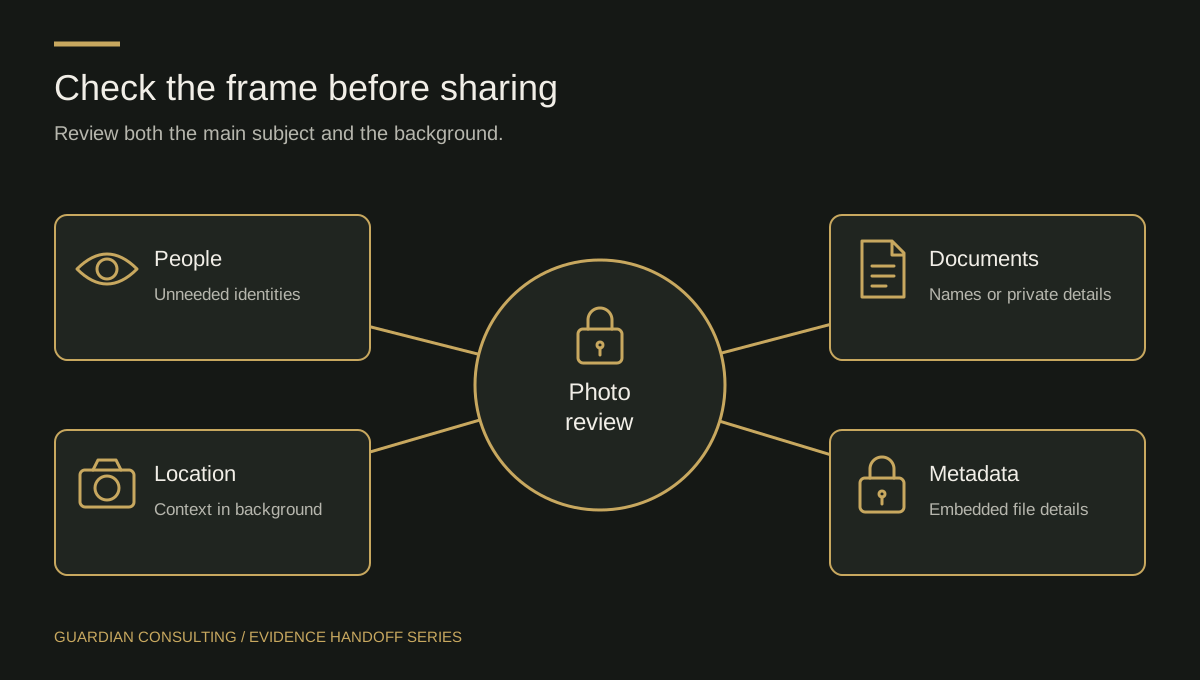
Store the original file in the approved location and associate it with the incident reference. Record any limits in the available metadata; do not invent a precise capture time from a later upload timestamp. Label copies that are cropped, annotated or redacted so they cannot be confused with the original.
Do not use generative editing to reconstruct missing details, enhance a face into an asserted identity or remove objects from an evidentiary image. If a technical specialist creates an interpretation or processed copy, the record should clearly distinguish it from the source. Follow management and counsel's preservation instructions for both versions.
The NIST digital-forensics guidance is a useful boundary reference for specialized handling; it is not a step-by-step photography policy for guards. The procedures here are a proposed property-management checklist, to be adapted and approved locally.
Share a purpose-specific package
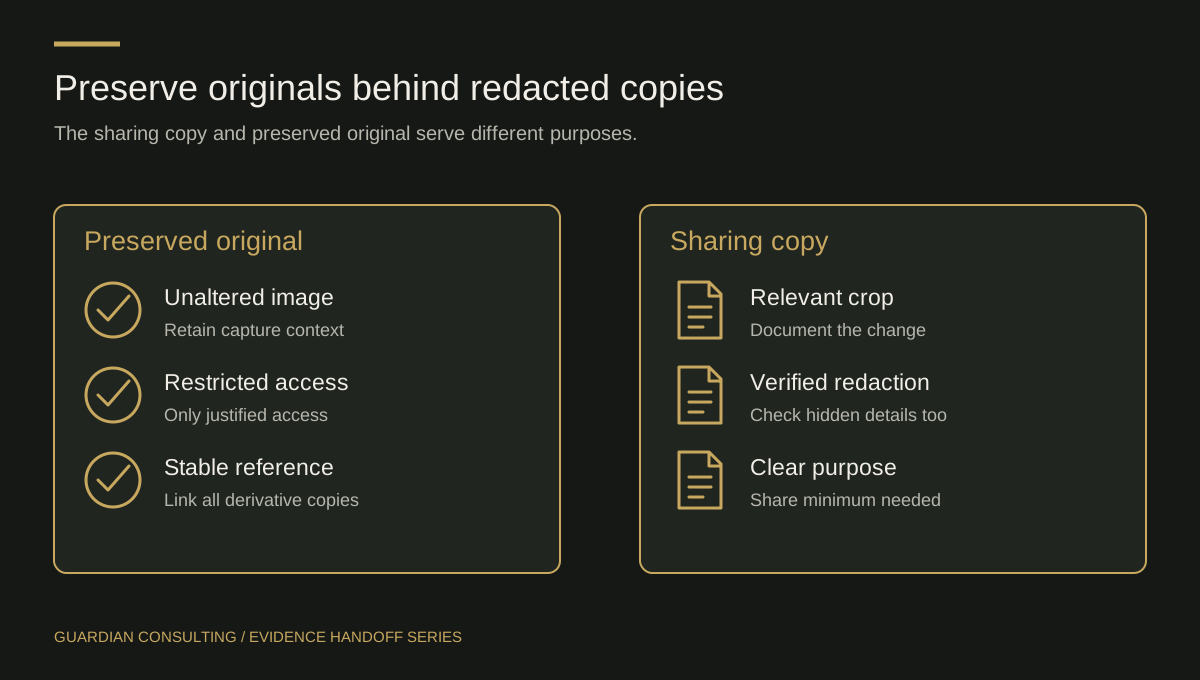
An operational maintenance team may need the fixture location and damage view, while a different authorized reviewer may need the complete incident package. Do not assume every colleague needs every image. Have the designated owner decide what can be released and through which channel.
Before transfer, confirm:
- The recipient and purpose are authorized.
- The files match the incident reference.
- Any derivative is clearly labeled and traceable to its source.
- The approved storage or transfer method is being used.
- Receipt and any access problem will be recorded.
The FTC's business guidance recommends collecting only necessary personal information and restricting access. Apply that principle without deleting material that is subject to an applicable preservation instruction. Retention and disclosure questions belong with the responsible manager and counsel.
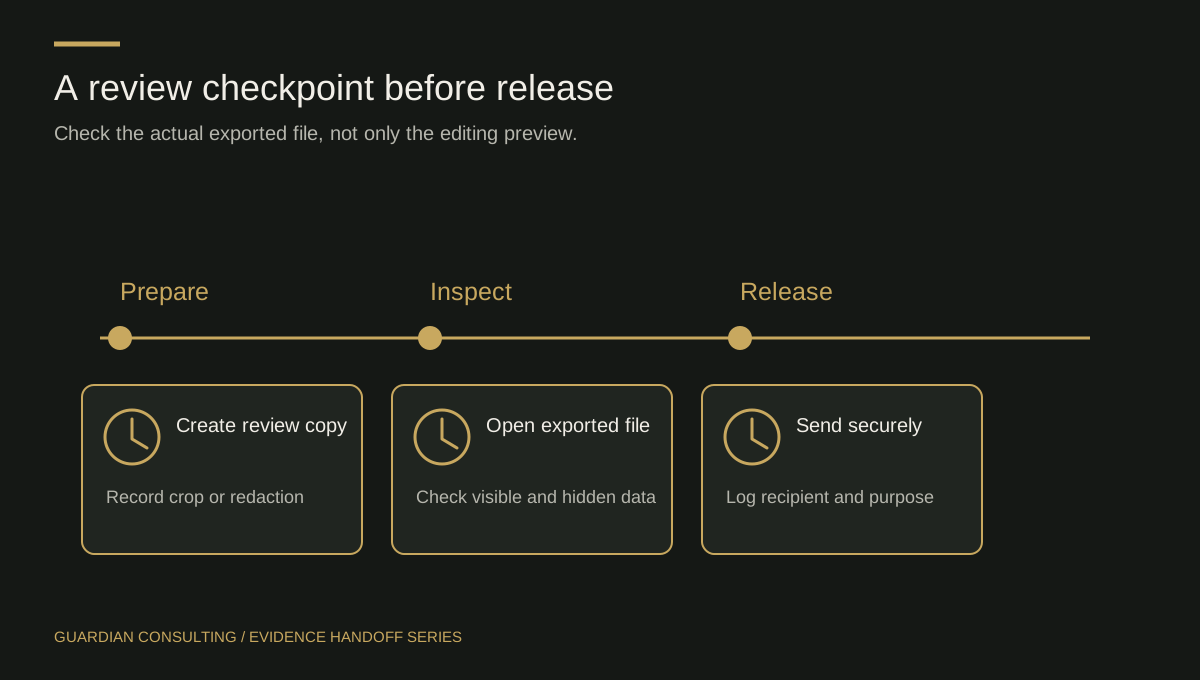
Review the image as part of the record
A supervisor should be able to connect the image to a factual observation and identify what remains unknown. If a caption says “before repair,” verify that the timing supports it. If the image came from someone else, preserve that attribution rather than naming the receiving officer as photographer.
Use the transfer register when the package changes hands. The completion test is not simply that the photo uploaded: the intended authorized person must be able to find the correct file, understand its limits and act on the documented condition.