Digital field management for security guards is a structured way to document, verify, and review security activity across a property. Instead of relying primarily on handwritten logbooks, officers and supervisors use digital tools to record patrols, incidents, check-ins, site visits, and follow-up actions.
For New York City property managers and security decision-makers, this creates a clearer picture of what is happening at a building—not only during major incidents, but throughout every shift. Time-stamped records, patrol checkpoint data, photographs, and management review can help stakeholders evaluate performance and identify conditions that need attention.
Technology does not replace trained officers or field supervisors. It supports their work by making security activity more consistent, visible, and actionable.
How Digital Security Field Management Works
A digital field management program connects frontline security operations with supervisory and management oversight. Officers document activity as they perform their duties, supervisors verify site conditions and officer performance, and managers review the resulting information.
Depending on the assignment, the system may include:
- Digital daily activity reports
- Incident reports with photographs and timestamps
- NFC or QR patrol checkpoint verification
- HourGuard officer check-ins
- Documented field supervisor visits
- Management review and follow-up
- Analysis of recurring incidents, hazards, and operational concerns
The objective is not simply to produce more reports. It is to create reliable information that property teams can use to understand activity, address problems, and refine security procedures. Guardian ISI's approach to digital security field management is designed to support accountability from the security post through management review.
Core Components of Digital Field Management
Digital Daily Activity Reports
A daily activity report, often called a DAR, provides a shift-by-shift record of routine security activity. Entries may include officer arrival, post turnover, patrols, deliveries, access-control observations, contractor activity, tenant requests, building conditions, and communications with property personnel.
Digital DARs improve usability by associating entries with a specific date and time. They can also make reports easier to retrieve and review than pages stored in a paper logbook.
A useful digital activity report should tell management:
- Who was assigned to the post
- What duties were completed
- When significant activity occurred
- What unusual conditions were observed
- Whether an issue was reported or escalated
- What follow-up may be needed
For a Manhattan office building, for example, entries could document a loading-dock concern, an after-hours visitor, a door found unsecured, or an elevator contractor's arrival. These details help create continuity between shifts and give property management a practical operational record.
Incident Reports With Photos and Timestamps
Daily reports record routine activity, while incident reports provide more focused documentation of a specific event. Depending on site procedures, incidents might include unauthorized access attempts, property damage, water leaks, slip-and-fall conditions, disruptive behavior, package issues, or emergency-service activity.
A digital incident report may include:
- Date, time, and location
- A factual description of what the officer observed
- Actions taken by security personnel
- People notified
- Photographs of relevant conditions
- Follow-up notes or corrective actions
Photos and timestamps can add useful context. A photograph might document a damaged door, obstructed exit route, leaking pipe, or broken lock as it appeared when discovered. Officers should still write objective, complete narratives; an image does not replace a clear factual account.
Reports must also be handled appropriately. Property managers and security providers should establish procedures for access, retention, escalation, and the protection of sensitive information.
NFC and QR Patrol Checkpoint Verification
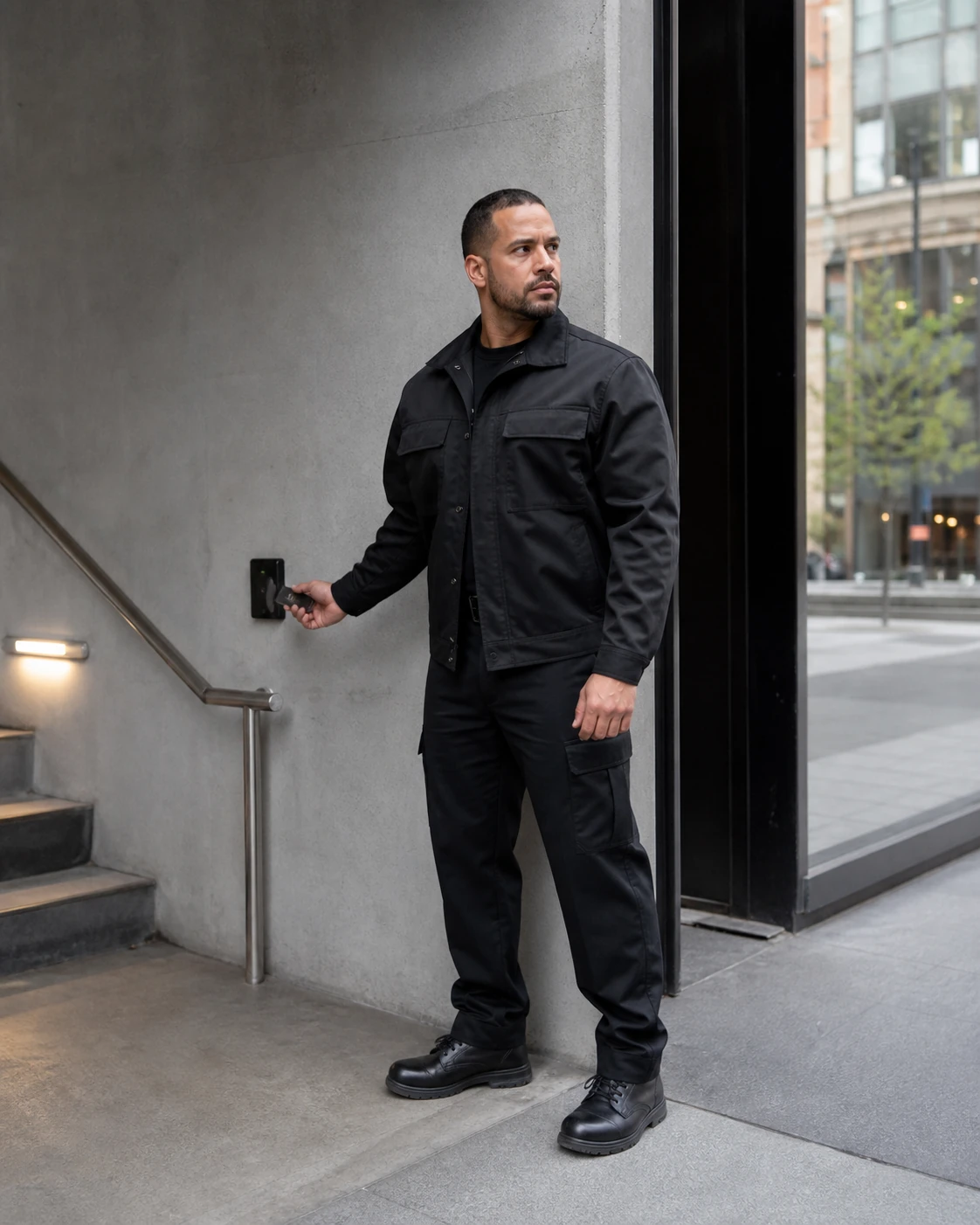
Patrol checkpoint verification helps document that designated areas were visited. NFC tags or QR codes can be placed at locations such as entrances, stairwells, mechanical-area approaches, loading docks, rooftops, garages, or other areas included in the property's patrol plan.
During a patrol, the officer scans or taps the checkpoint using an authorized device. The system records the checkpoint and time, creating a verifiable patrol history.
Checkpoint data can help answer important questions:
- Were assigned patrol rounds completed?
- Were critical areas visited at the expected intervals?
- Was a checkpoint repeatedly missed?
- Did an incident occur near the time of a documented patrol?
- Does the patrol plan need to be adjusted?
Checkpoint verification should not turn a patrol into a race from tag to tag. Officers must remain attentive to people, sounds, odors, access points, safety conditions, and changes in the environment. The checkpoint records a device interaction at a mapped location; the officer’s observations and judgment give the patrol its value. Review device controls and exceptions before treating scans as proof of personal presence.
Officer and Supervisor Accountability
HourGuard Officer Check-Ins
HourGuard check-ins provide a recurring method for recording an officer’s response during an assignment. At configured intervals, the officer completes a check-in according to the site's operating procedure.
If a check-in is missed, the event can be reviewed and addressed under the established escalation process. Depending on the circumstances and contract procedures, that may involve contacting the officer, confirming conditions at the post, notifying supervision, or arranging additional support.
Check-ins are particularly valuable during overnight, weekend, or isolated-post assignments. However, they are not a substitute for active patrols, direct communication, or supervisory visits. They are one part of a broader accountability structure.
Documented Supervisor Visits
Field supervisors play an essential role in security service. A digital supervisor visit record records the supervisor’s reported attendance and review for management follow-up.
A documented visit may cover:
- Officer appearance and readiness
- Understanding of post orders
- Required records and equipment
- Patrol performance
- Open incidents or unresolved concerns
- Changes in building operations
- Feedback from property representatives
- Coaching or corrective direction provided
The purpose is more than proving that a visit happened. Effective supervision involves observing performance, speaking with officers, checking site conditions, and addressing deficiencies. Digital documentation gives management a record of that work and any follow-up required.
Property teams evaluating commercial office security should consider both frontline staffing and the supervisory structure supporting the assignment.
Management Review Turns Reports Into Useful Information
Collecting data is only the first step. Someone must review it.
Security management can examine activity reports, incident records, missed check-ins, checkpoint exceptions, and supervisor findings. Review helps distinguish an isolated event from a repeated operational problem.
Examples of recurring-risk patterns might include:
- Repeated unsecured-door findings in the same area
- Frequent unauthorized access attempts during a particular time window
- Recurring delivery congestion at a lobby or loading dock
- Multiple lighting or lock problems that remain unresolved
- Repeated disturbances associated with one location
- Patrol checkpoints that are consistently difficult to reach
- Similar incidents occurring across several weekends
Identifying a pattern does not automatically determine the solution. It gives property and security managers better information for deciding whether to change patrol timing, clarify post orders, repair equipment, coordinate with building personnel, or provide additional officer training.
Regular management review can also improve communication. Instead of discussing security only after a serious event, decision-makers can use documented trends to hold focused operational conversations.
Why Digital Reporting Is Better Than Paper Logbooks
Paper logbooks can provide a basic chronological record, but they have significant practical limitations. Handwriting may be difficult to read, entries can be vague, photographs cannot be attached directly, and reviewing weeks of information may require searching page by page.
Digital reporting offers several advantages:
Better legibility and consistency
Typed entries are easier to read, while standardized fields prompt officers to capture important details. Standardization should support good report writing—not reduce every event to a checkbox.
Faster access to information
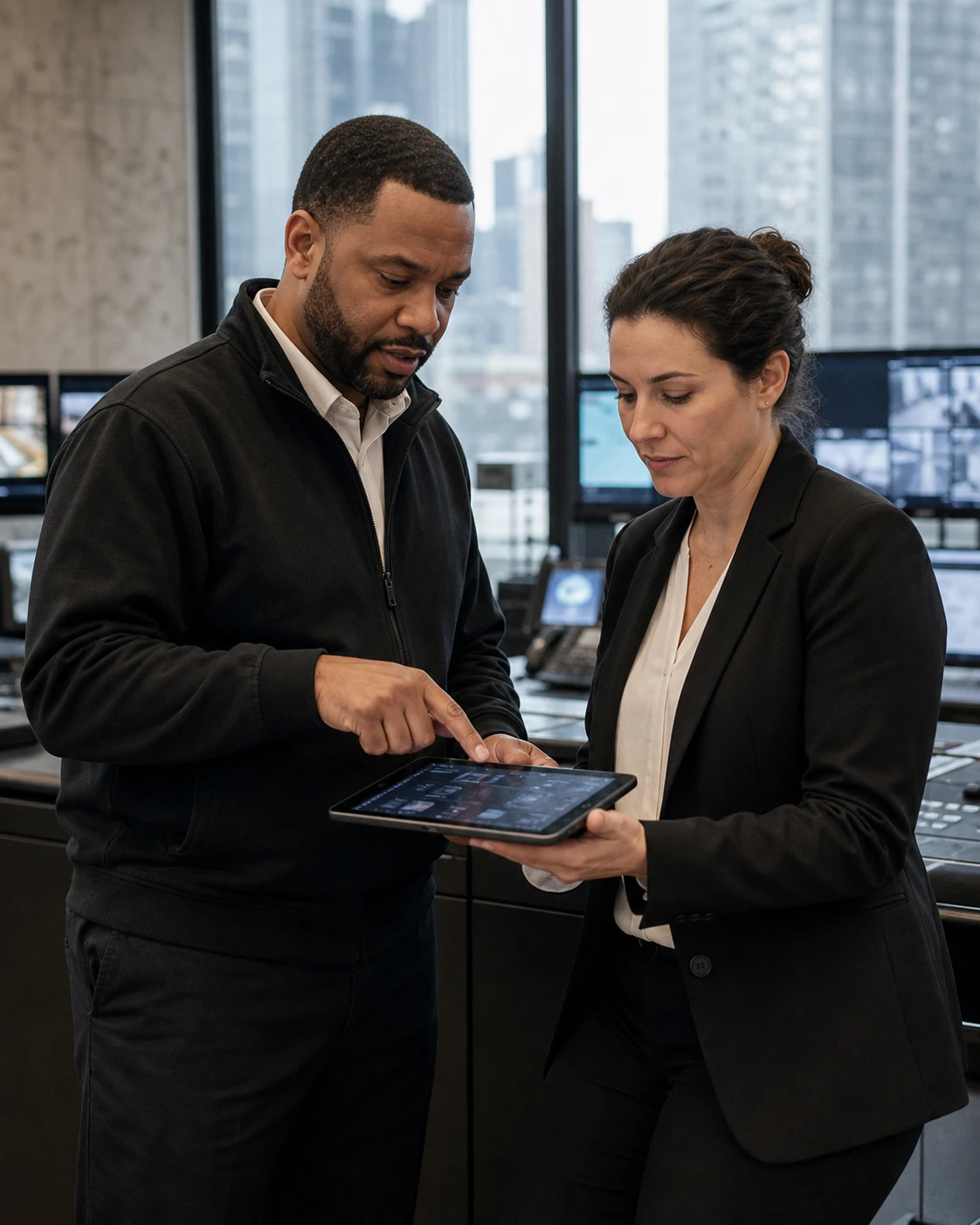
Authorized managers can locate relevant records without physically retrieving a logbook from the security desk. This is useful when reviewing an incident, responding to a tenant question, or preparing for an operational meeting.
Time-associated activity records
Digital entries, check-ins, and checkpoint scans create a more precise activity timeline. These records provide context but should still be considered alongside officer narratives, camera footage, access-control records, and other available information.
Integrated photographs and supporting details
Relevant photographs can be attached to an incident record rather than stored separately or informally shared. This keeps supporting information connected to the event it documents.
Easier trend review
Recurring issues are difficult to recognize when information is scattered across multiple notebooks. Organized digital records make it more practical to compare events across days, shifts, and locations.
Clearer follow-up
Digital workflows can make it easier to identify which incidents require review, which maintenance concern was reported, and whether management action remains outstanding.
Technology Supports Officers—It Does Not Replace Them
No reporting platform can assess a person's behavior, de-escalate a confrontation, assist a tenant, recognize an unusual condition, or make sound decisions during an evolving event. Those responsibilities require trained, attentive security professionals supported by clear post orders and active supervision.
Digital field management strengthens that human service by helping officers communicate what they observed and what they did. It also gives supervisors and managers more timely information for coaching, quality assurance, and operational planning.
A successful program therefore depends on more than installing checkpoints or issuing a device. It requires:
- Site-specific expectations and post orders
- Officer training on factual, objective report writing
- Sensible patrol routes and checkpoint locations
- Clear check-in and escalation procedures
- Meaningful supervisor visits
- Consistent management review
- Communication with property stakeholders
Technology is most effective when it reinforces a well-managed security operation.
What NYC Property Managers Should Ask a Security Provider
Before selecting or reviewing a security guard service, Manhattan property managers should ask:
- How are daily activities and incidents documented?
- Can incident reports include time-associated photographs?
- How are patrol rounds verified?
- What happens when an officer misses a scheduled check-in?
- How frequently do field supervisors visit the property?
- What is reviewed during a supervisor visit?
- Who reviews reports and patrol exceptions?
- How are recurring risks communicated to property management?
- How is sensitive information protected and access controlled?
- How are officers trained to use the reporting process?
The answers should describe an operational process, not just a list of software features. Effective digital field management connects officers, supervisors, security management, and property stakeholders.
Strengthen Security Visibility at Your NYC Property
Guardian ISI provides security coverage supported by digital reporting, officer check-ins, patrol verification, field supervision, and management oversight. We can discuss the needs of commercial, residential, retail, hotel, construction, and other properties throughout New York City.
To discuss a new assignment or request coverage, call or text [(212) 602-1695](tel:+12126021695) or submit a coverage request.
Related Guardian services
Review Guardian HourGuard for the recurring check-in part of the assignment, and Security Guard Services for the personnel and supervision that the reporting supports.
Frequently asked questions
What is digital field management for security guards?
It is a structured system for documenting and reviewing guard activity, including daily reports, incidents, patrol checkpoints, officer check-ins, supervisor visits, and management follow-up.
How do NFC and QR patrol checkpoints work?
An officer taps an NFC tag or scans a QR code at a designated patrol location. The activity is recorded with the checkpoint and time, helping management verify patrol completion and review exceptions.
What is an HourGuard officer check-in?
HourGuard is a recurring check-in process used to record the assigned officer’s response at scheduled intervals. A missed check-in can be reviewed and escalated according to the assignment's established procedures.
Are digital security reports better than paper logbooks?
Digital reports are generally more legible, searchable, and consistent. They can connect photographs and timestamps to incidents and make recurring patterns easier to review than records spread across paper logbooks.
Does digital field management replace security officers or supervisors?
No. Technology documents and supports security work, but trained officers are still needed to observe conditions, assist people, respond to incidents, and exercise judgment. Supervisors remain essential for coaching, inspections, and quality control.