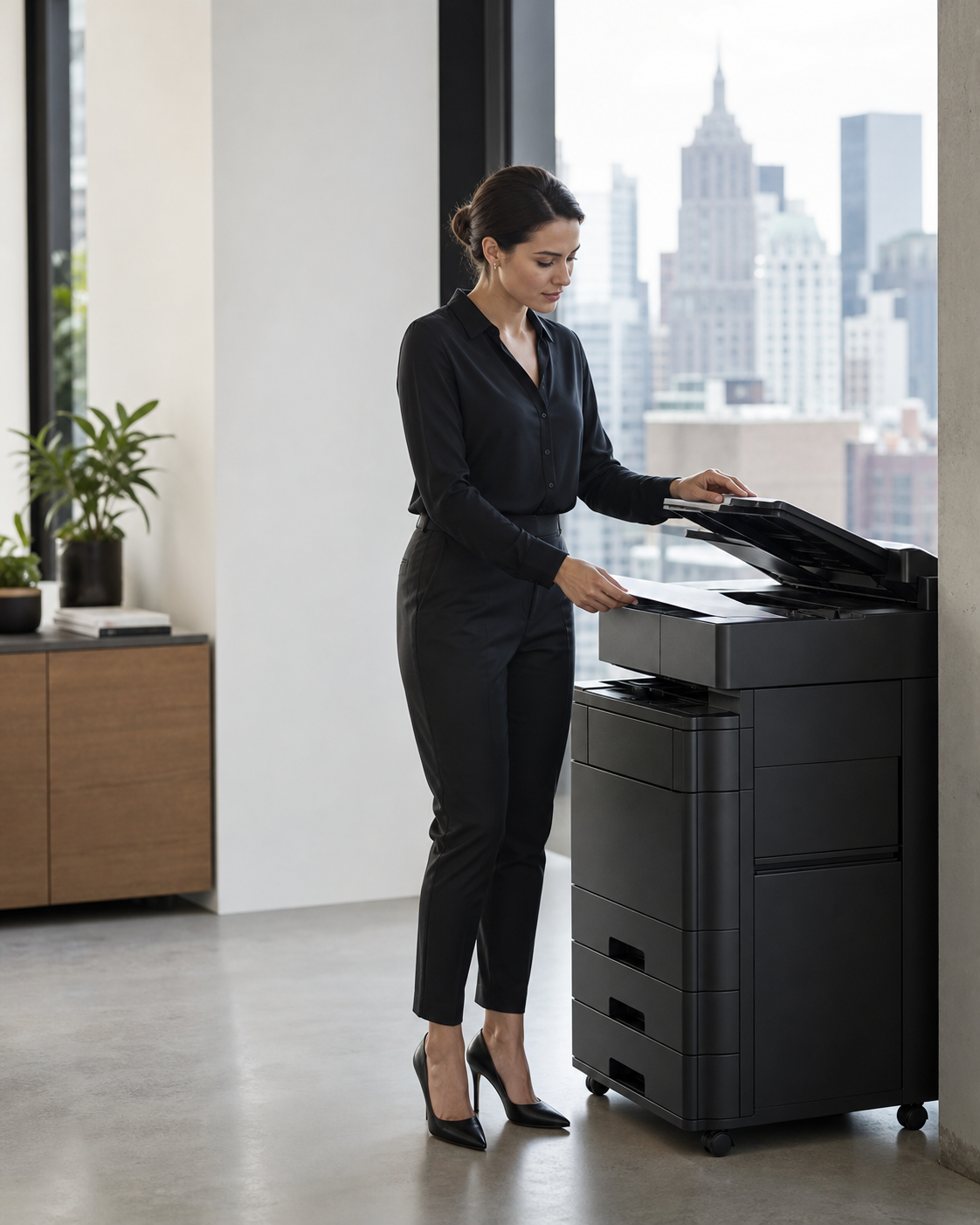
Scanning a contract, identification document, personnel record, or financial form may feel like a routine office task. But the method used to create that digital copy can affect where the information travels, who can access it, and how reliably the organization can enforce its security policies.
A dedicated document scanner or properly configured multifunction printer can often provide a more controlled workflow than an employee’s scanner app. That does not mean every office scanner is compliant—or that every mobile app is unsafe. Compliance depends on configuration, access controls, retention, vendor agreements, employee practices, and the type of information being handled.
For Manhattan property managers, office administrators, law firms, healthcare practices, financial businesses, and other organizations handling sensitive records, the practical question is not simply which option produces a better image. It is which scanning method fits the organization’s documented privacy and security requirements.
Why the Scanning Method Matters
A scanned document can contain personal information, signatures, account numbers, medical details, building plans, access credentials, or confidential business terms. Once captured, that information may be stored in several places without the user realizing it.
A scanning workflow should answer four basic questions:
- Where is the image processed and stored?
- Who can access or share it?
- How long is it retained?
- Can the organization verify that its policies were followed?
Dedicated office equipment is frequently easier to bring under centralized control. By comparison, consumer scanner apps may involve personal phones, third-party cloud services, device photo libraries, automatic backups, or app-specific retention practices.
Why a Document Scanner May Be More Compliance-Friendly
Centralized configuration and oversight
An organization-owned scanner can be configured and managed by authorized personnel. Administrators may be able to control scan destinations, user authentication, network access, encryption settings, address books, and retention behavior.
Centralization makes it easier to create one approved workflow instead of relying on each employee to configure a mobile app correctly.
Fewer copies on personal devices
When employees scan documents with their phones, temporary or permanent copies may remain in the app, photo library, downloads folder, clipboard, or device backup. Those copies can be difficult for the business to locate and remove.
A document scanner can send files directly to an approved records system, secure network folder, or authorized email destination without placing the image on an employee-owned device.
Better separation between business and personal data
Bring-your-own-device environments can blur the line between company records and personal information. A centralized scanner keeps document capture within company-managed infrastructure, helping the organization enforce access, retention, and deletion policies more consistently.
More consistent auditability
Some business-grade scanners and multifunction printers can integrate with identity management, document management, or logging systems. Depending on the equipment and configuration, the organization may be able to determine who scanned a document, when it was scanned, and where it was sent.
A personal scanner app may provide limited administrative visibility, particularly when employees use unapproved accounts or services.
Controlled document quality
Dedicated scanners typically provide consistent resolution, page alignment, duplex scanning, and optical character recognition. Reliable output can matter when records must remain complete and readable.
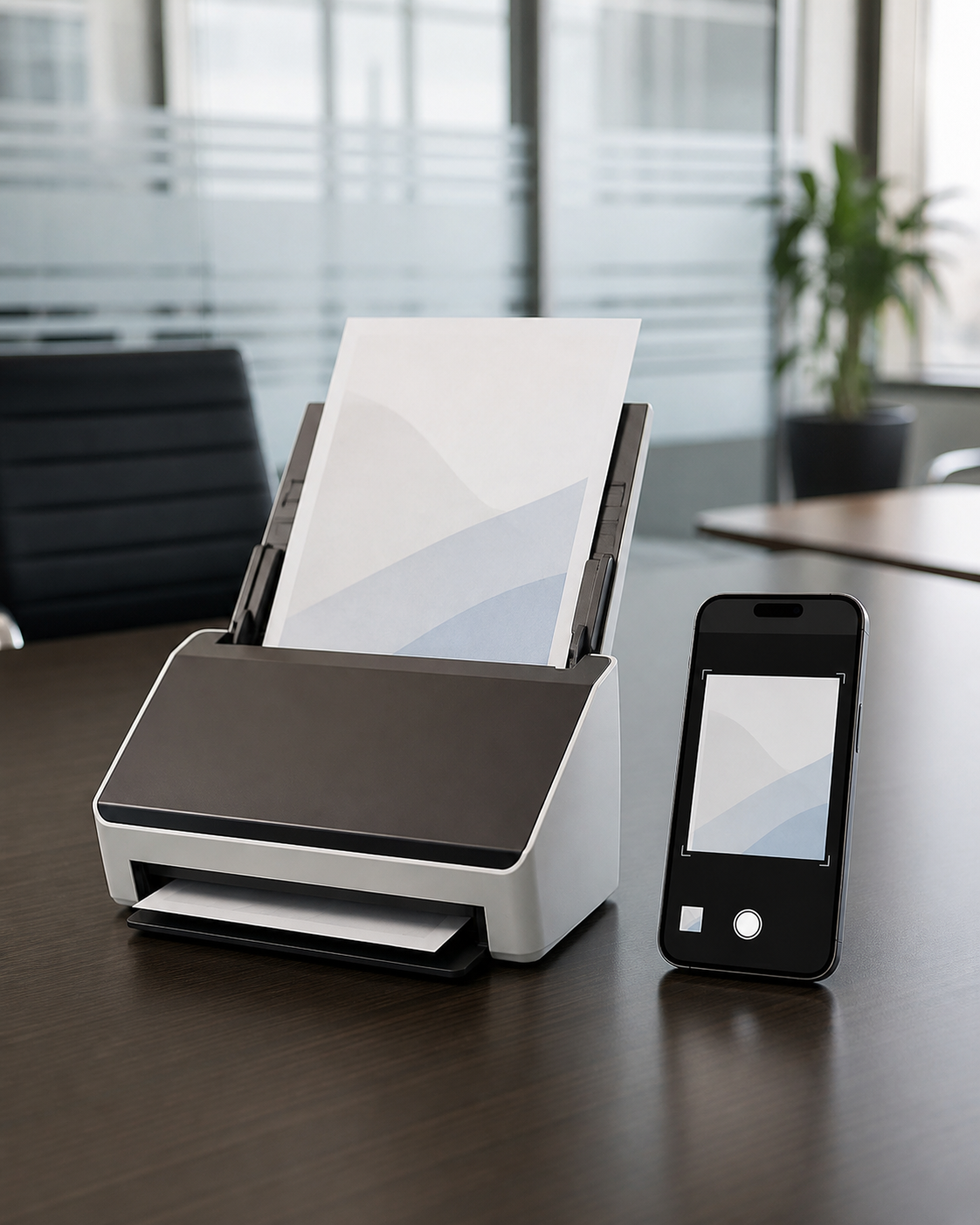
Mobile scans may be affected by glare, shadows, cropped edges, camera angles, or background objects. Quality problems can create recordkeeping issues even when the underlying app is secure.
A Printer-Scanner Is Not Automatically Compliant
Office equipment can introduce its own risks. Many multifunction printers contain internal storage, maintain job histories, support remote administration, or allow scans to be sent through email. Default passwords, outdated firmware, open address books, or abandoned files in output trays can expose information.
Organizations should consider controls such as:
- Requiring users to authenticate before scanning or printing
- Encrypting network traffic and stored data where supported
- Restricting scan destinations to approved systems
- Disabling unnecessary services and ports
- Installing manufacturer security updates
- Reviewing logs and administrator access
- Configuring storage overwrite or deletion features
- Securely erasing or destroying internal drives when equipment is replaced
- Using secure-release printing for sensitive documents
The physical environment matters too. A well-configured scanner can still create risk if it sits in an unrestricted lobby, shared hallway, or unattended print room.
When a Scanner App May Be Appropriate
A scanner app can be useful for field teams, remote employees, construction personnel, or executives who need to capture documents away from the office. Enterprise-grade apps may offer encryption, managed accounts, controlled storage locations, retention settings, and integration with approved document systems.
Before approving an app, an organization should evaluate:
- Whether images are stored locally, in the vendor’s cloud, or both
- Whether the app places copies in the phone’s photo library
- How data is encrypted during transmission and storage
- Whether information is used for analytics or product training
- Which subcontractors or third parties may process the data
- How users and administrators can permanently delete records
- Whether the app supports mobile device management
- Whether appropriate vendor contracts and data terms are available
An approved, centrally managed scanner app can be safer than an unsecured office printer. The deciding factor is the complete workflow—not whether the capture device is a phone or a scanner.
Compliance Depends on the Information Being Scanned
Different documents may be subject to different contractual, privacy, professional, or regulatory requirements. Medical records, payment information, employment files, government-issued identification, legal documents, and tenant information should not automatically be handled through the same workflow.
Organizations should involve their legal, compliance, privacy, and IT professionals when establishing scanning procedures. Relevant requirements may address reasonable safeguards, access limitations, vendor management, record retention, disposal, or incident response. The correct controls depend on the organization and its obligations.
A Practical Scanning Policy Checklist
Manhattan businesses can reduce uncertainty by creating a short, enforceable scanning policy that covers both office equipment and mobile devices.
Define approved methods
List the scanners, multifunction printers, mobile apps, accounts, and storage destinations employees are allowed to use. Make it clear whether personal devices are prohibited for particular document categories.

Classify sensitive documents
Identify which records need additional controls. Employees should know that scanning a public brochure is different from scanning a passport, employee file, medical form, or confidential contract.
Limit destinations
Configure scanners to send files only to approved repositories. Avoid generic shared folders or unrestricted email distribution when the documents contain sensitive information.
Address temporary copies
Determine whether files remain on scanner storage, personal devices, cloud services, email servers, or local computers. Establish procedures for deleting unnecessary copies.
Protect the scanning area
Place equipment containing or processing sensitive records in an access-controlled area. Use secure print release, locked disposal consoles, and clean-desk practices where appropriate.
Train and review
Employees should understand how to scan, verify, transmit, retain, and dispose of records. The organization should periodically review equipment settings, app permissions, user access, and vendor changes.
Physical Security Is Part of Document Security
Cybersecurity controls cannot prevent every document exposure. Papers can be photographed, removed from output trays, recovered from ordinary trash, or viewed by unauthorized visitors. Sensitive print rooms, records areas, executive floors, and tenant spaces need physical protections that support the organization’s information-security program.
Depending on the property, those protections may include visitor management, credential checks, patrols, incident documentation, locked records storage, and trained personnel at key access points. Guardian ISI provides commercial office security services for Manhattan properties that need dependable on-site coverage.
Build a Controlled Workflow, Not Just a Convenient One
A dedicated document scanner can be more compliance-friendly than a scanner app because it is often easier to manage centrally, keep off personal devices, and connect to approved storage systems. However, neither option is compliant by default.
The strongest approach is to map the entire document lifecycle: capture, transmission, storage, access, retention, deletion, and physical disposal. Then select equipment and applications that support those requirements.
If your Manhattan workplace also needs professional security coverage for offices, records areas, lobbies, or other sensitive spaces, call or text Guardian ISI at (212) 602-1695 or request coverage online.
Official references
Frequently asked questions
Is a document scanner always more compliant than a scanner app?
No. A centrally managed scanner may offer better control, but insecure settings, internal storage, outdated firmware, or unrestricted physical access can create risk. Compliance depends on the complete workflow.
Can a scanner app store copies of confidential documents?
Yes. Depending on its settings, an app may retain images in local storage, a photo library, an app account, or a cloud service. Organizations should verify storage and deletion behavior before approving an app.
Should employees use personal phones to scan business documents?
Only when the organization’s policy permits it and suitable controls are in place. Highly sensitive records may require a company-managed device, approved application, and controlled storage destination.
Do multifunction printers retain scanned documents?
Some models use internal memory or storage and may retain job information or image data. Administrators should review the manufacturer’s security features, deletion settings, and end-of-life procedures.
What should a business scanning policy include?
It should identify approved devices and apps, permitted destinations, sensitive document categories, access controls, retention periods, deletion procedures, physical safeguards, and employee responsibilities.